How to Automate WordPress Blog Posting (Step-by-Step Guide)
Learn how to automate WordPress blog posting—from single articles to bulk schedules—without sacrificing SEO, internal links, or publish quality.
Publishing consistently on WordPress is one of the hardest parts of content marketing. Research, writing, formatting, SEO metadata, featured images, and scheduling all take time — and skipping steps hurts rankings.
The good news: you can automate most of that workflow without sacrificing quality. This guide walks through what WordPress blog automation actually means, what to automate (and what not to), and a practical setup you can use today.
What does WordPress blog automation mean?
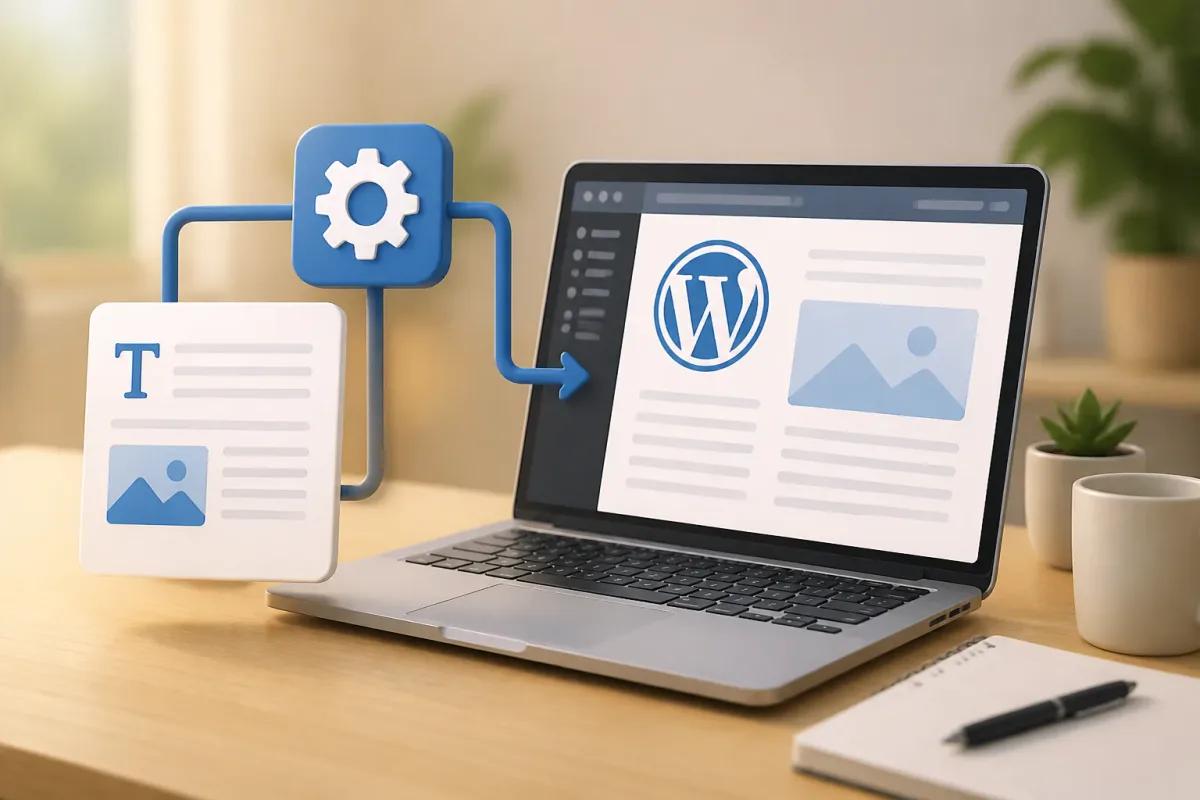
WordPress blog automation is the process of generating, optimizing, and publishing articles with minimal manual work. Instead of copying from Google Docs, fixing headings, adding meta tags, and uploading images one by one, an automation stack handles those steps in a single pipeline.
A solid automation workflow typically covers:
- Keyword research and outline — turning a topic into a structured article plan
- AI-assisted drafting — full articles with headings, lists, and internal links
- SEO metadata — title tag, meta description, focus keyword, slug
- Featured images — AI-generated or optimized WebP uploads
- Publishing — draft or live post via the WordPress REST API
- Scheduling — staggered or daily publishing so new posts roll out naturally
Why automate WordPress posting?
Manual publishing doesn’t scale. If you manage one site, you might get away with one post per week. If you run multiple niche sites or client blogs, manual work becomes the bottleneck.
Automation helps you:
- Publish on a predictable cadence — search engines reward consistency
- Reduce human error — missing alt text, broken slugs, and forgotten meta descriptions add up
- Free up time for strategy — keyword planning and promotion matter more than paste-and-format busywork
- Scale bulk content safely — stagger releases instead of dumping dozens of posts at once
What you need before you start
- A WordPress site with the REST API enabled (most modern installs support this out of the box)
- An application password or integration plugin so your automation tool can publish securely
- A sitemap of existing posts — critical for smart internal linking
- A clear content calendar or keyword list so automation has direction
If you’re using WP Auto Post, connect your site in the dashboard, install the companion plugin for SEO meta fields, and add your sitemap under site settings. That unlocks internal linking and direct publish from Article Writer and Bulk Writer.
Step-by-step: automate WordPress blog posting
1. Start with one article (Article Writer)
Before batching, validate your pipeline with a single keyword:
- Open Article Writer in WP Auto Post
- Enter your target keyword (e.g. “how to automate WordPress blog posting”)
- Select your WordPress site, category, country, and language
- Click Generate — the system researches the topic, writes the draft, and formats it for WordPress
- Review the preview, then publish immediately or schedule for later
This single-article flow is the fastest way to confirm categories, authors, and SEO fields land correctly on your site.
2. Scale with Bulk Writer
Once one post looks good, move to batch mode:
- Paste a list of keywords — one per line
- Choose Publish Immediately, Staggered Publishing, or Daily Schedule
- Staggered mode caps articles per day; daily mode lets you pick times and weekdays
Each keyword runs through the same research-and-write pipeline as Article Writer. Scheduled batches appear in the Scheduler where you can preview, edit, pause, or publish early.
3. Use the Scheduler as your control panel
The Scheduler doesn’t create new schedules from scratch — it manages articles queued from Article Writer and Bulk Writer. Filter by site and status (Scheduled, Published, Paused, Failed) to see what’s coming next.
This is where you catch failed generations, adjust publish dates, or pause a run if you hit your daily article limit.
4. Add supporting assets
Complete posts need more than body copy:
- Featured images — generate AI images in Image Generator and upload as WebP
- Existing content updates — use Link Inserter to add internal links to older posts
- Republished drafts — Article Publisher imports Google Docs, DOCX, or pasted HTML when you already have the article written
Best practices for automated WordPress blogs
- Stagger publishing — avoid uploading 50 posts in one afternoon; spread them over days or weeks
- Match search intent — automation works best when each keyword is specific and actionable
- Enable internal linking — connect new posts to existing content on the same site
- Monitor quality — spot-check published articles weekly; edit anything that reads generic or outdated
- Respect daily limits — sustainable automation beats burning through credits and API limits in one session
Common mistakes to avoid
- Publishing without reviewing — AI drafts are strong starting points, not always final copy
- Duplicate keywords — similar topics produce overlapping articles that compete with each other
- Ignoring categories and authors — wrong taxonomy hurts site structure and E-E-A-T signals
- No sitemap connected — internal links won’t work well on thin sites until you have crawlable content
Getting started with WP Auto Post
WP Auto Post is built specifically for WordPress content automation: research, write, link, schedule, and publish from one dashboard. Start with a free account, connect a site, and generate your first article in minutes.
Ready to put this into practice?
Automating WordPress blog posting isn’t about removing humans from the loop — it’s about removing repetitive work so you can focus on topics, promotion, and growth.